
-
Click the People menu item
-
Click the "Add people" button in the top right
-
Select "Yes" when prompted whether you would like the people you are adding to be able to log in.
-
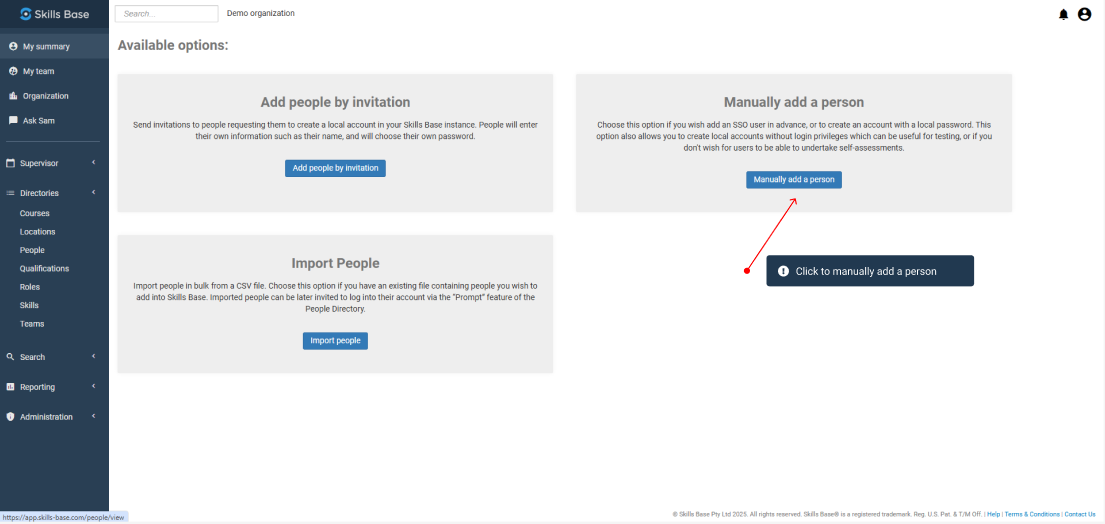
Select "Manually add a person"
-
Enter their details
-
Configure any additional options like Teams and Roles if desired.
-
For "Login" ensure that "Enabled" is selected
-
Choose a Security Group. For more information about Security Groups, see our support article on
-
Enter their email address (which will also be their login username)
-
Set an initial password