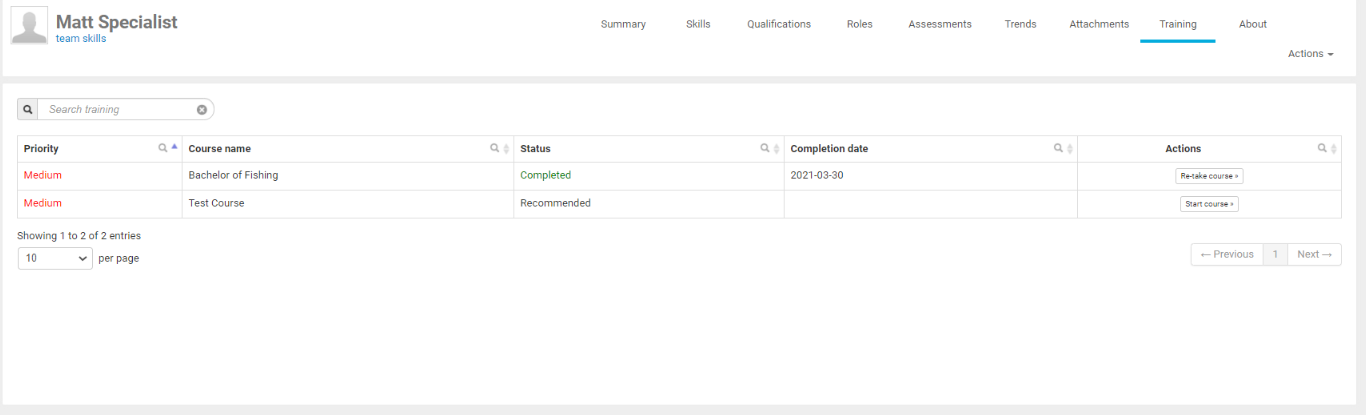
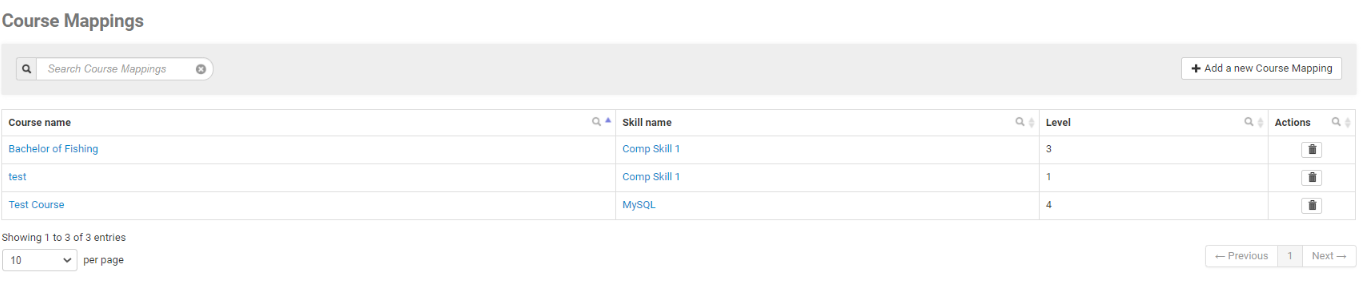
The Course Mappings Directory shows the list of existing courses and the linked Skill and Skill Level that have been created. Mappings can be edited and deleted by using the "Actions" items.

To add a new Course Mapping, simply click the "Add a new Course Mapping" button.

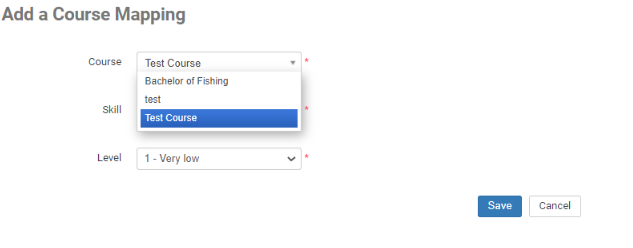
Select the Course from the drop-down list
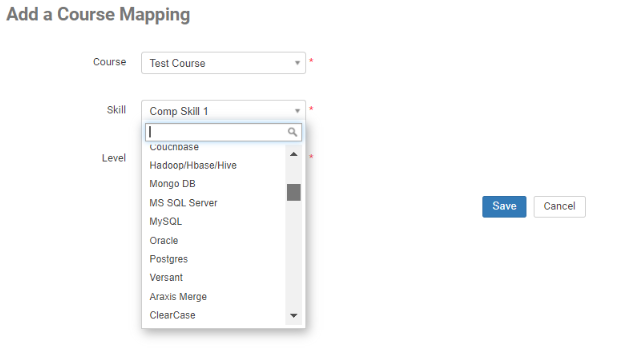
Select the Skill
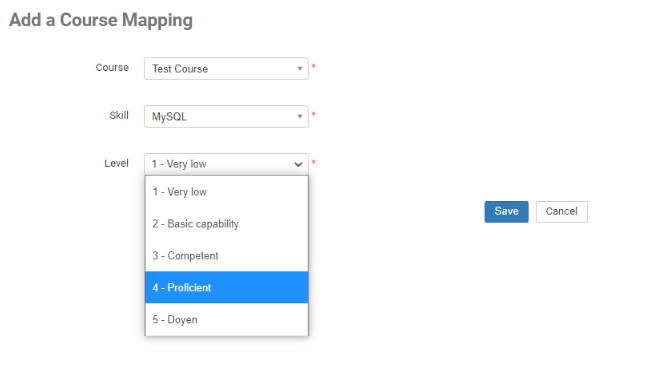
Select the Skill Level
The mapped course will now be visible in the Couse Mappings directory.
When users have completed their assessments, the system will automatically suggest their training based on mapped courses that are higher than the skill level they have been assessed at. and below any Skill targets.