Create Courses
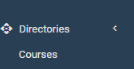
From the "Courses" directory, users with the relevant Security Group privileges enabled can add training courses to Skills Base by adding a name, as well as the URL to the training content.
Courses Directory
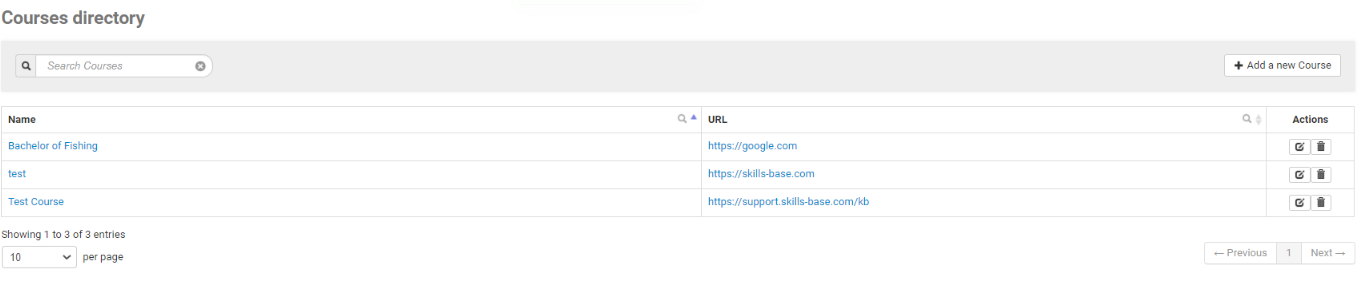
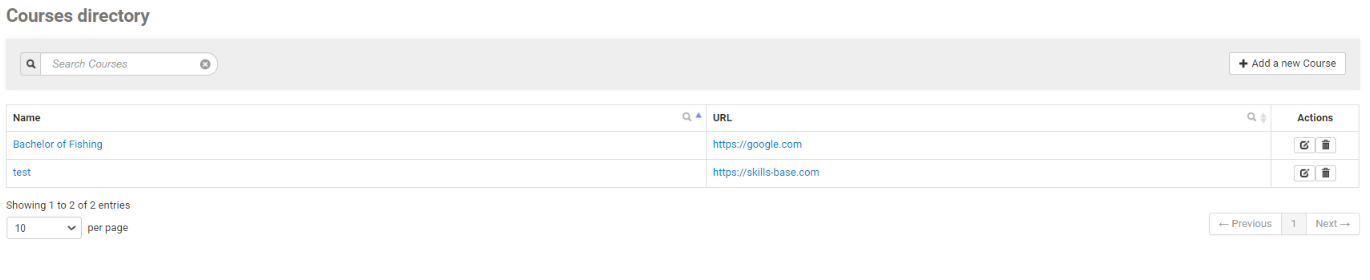
The Courses directory shows the list of existing courses that have been added. Courses can be edited and deleted by using the Actions items.
To add a new Course, click the "Add a new Course" button
Give the course a Name and then provide the appropriate URL
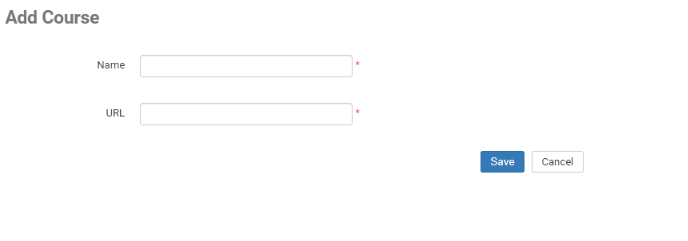
The URL can be to any content that you have available - LMS, LinkedIn Learning, Internal organization shared document repository, etc.
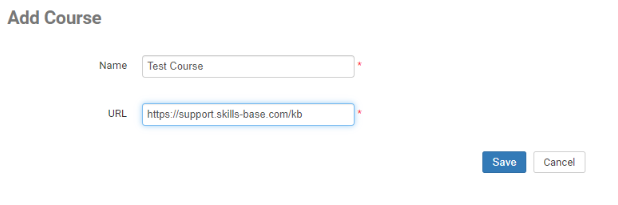
Click Save and the Course will be available in the Courses directory.