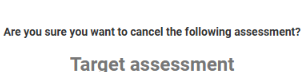
Skills Base allows Administrators to close/cancel target assessments that are in progress. This may be required in a case where an Administrator started setting targets and for any reason is either unable to complete it or chooses to discard the target settings. A Skills Base Administrator within your organization is able to cancel/close the target assessment as follows:
-
Navigate to the appropriate page associated to where targets are being established. This will depend on whether targets are being set at the role, team or custom level.
-
Click on the Targets tab at the top of the dashboard
-

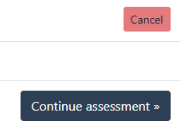
Click on the red Cancel button on the status line
-
Click on the red Cancel assessment button on the confirmation screen where prompted 'Are you sure you want to cancel the following assessment?'