
The Qualifications Directory allows you to view both a list of qualification assignments (qualifications that have been assigned to people) and also a list of all qualifications that have been added to your organizations Skills Base instance.
Assignments
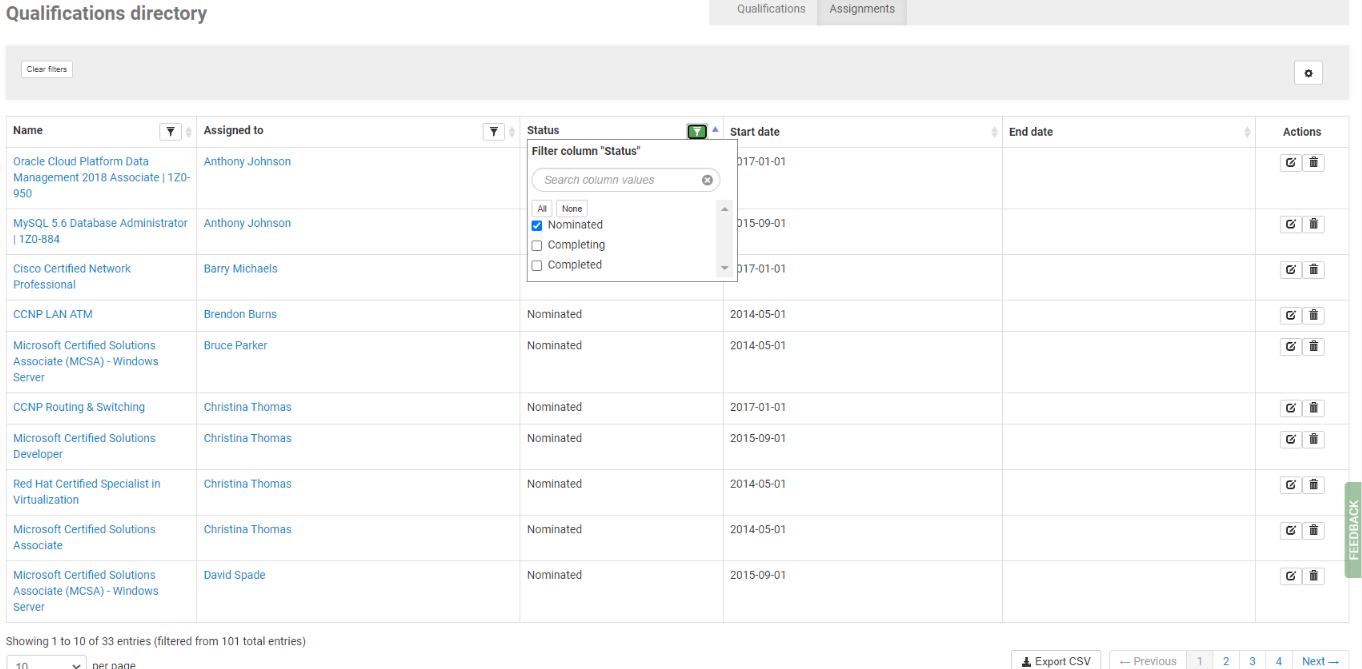
Viewing the Qualifications directory by "Assignments" will show a list of all the qualification assignments, as well as Custom Field columns that have been added to qualification assignments.
Qualification Assignments options
The settings icon at the top of the qualifications assignments table can be clicked to show a list of columns that can be displayed on the screen.
Column filters are also available on the table on the Name, Assigned to, Status and any Qualification Assignment Custom Field that has a Value List type.
Multiple filters can be used together, with the filtered results being displayed in the table. The "Export CSV" button will export the filtered results that are visible in the table (including additional pages)
Qualifications
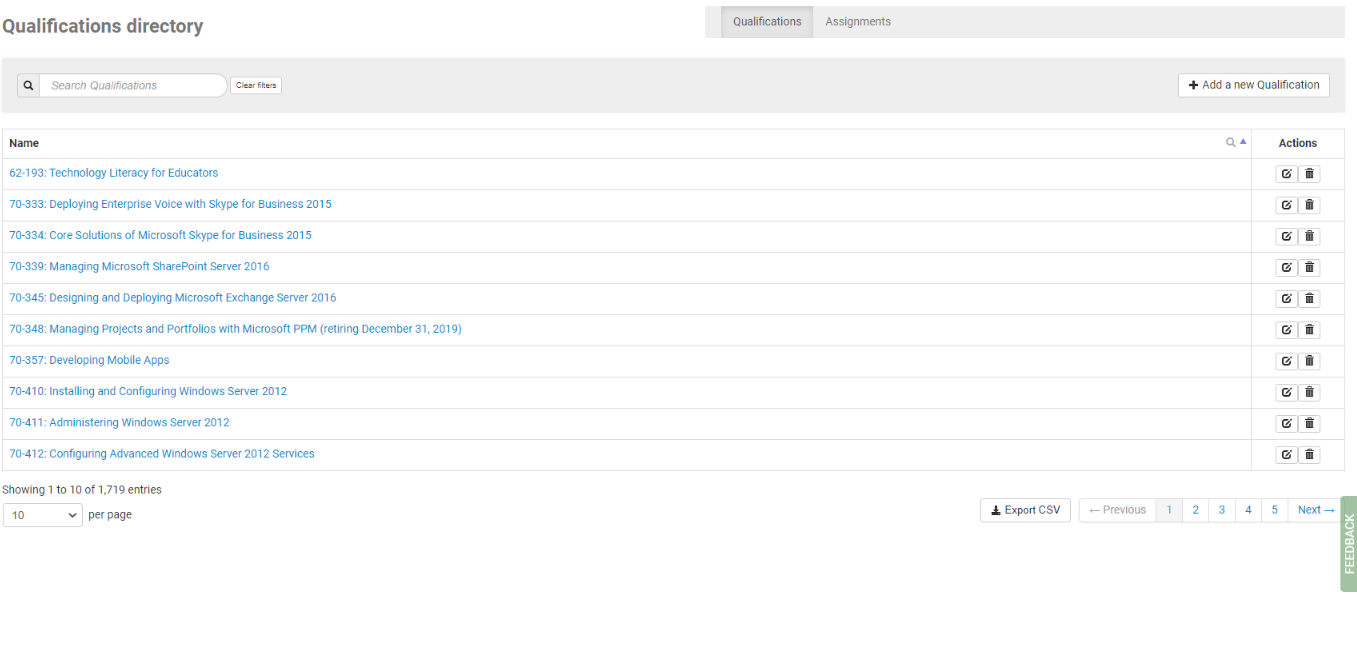
Viewing the Qualifications directory by "Qualifications" will show the complete list of Qualifications that have been added to your Skills Base instance. If your Skills Base instance is set to Pre-defined mode (see: Pre-defined mode for more information),then you can add new Qualifications using the Add a new Qualification button.
Qualifications Display Columns
When viewing the Qualifications Assignments in the Qualifications directory the display columns to be shown can be selected by clicking on the gear symbol in the upper right of the page:

The columns that are available to be selected are:
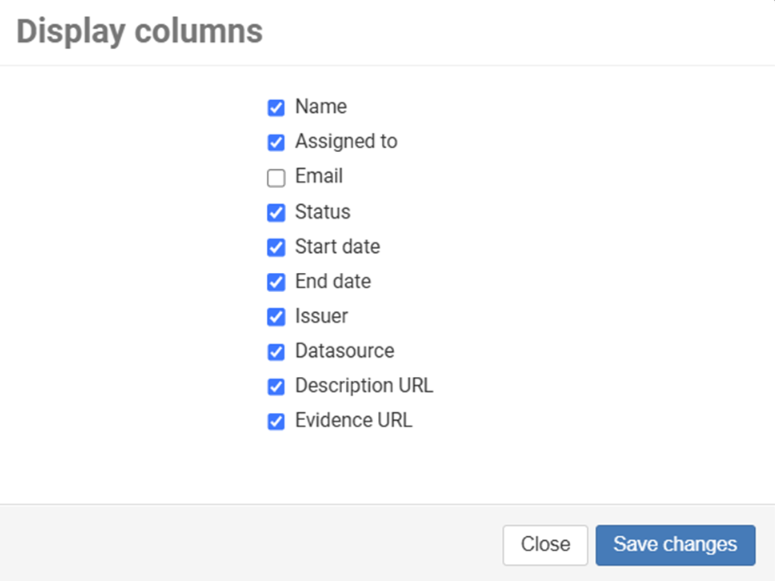
Issuer - The organization that has issued this qualification (vendor name, university name etc.)
Data source - a read-only field that is used only with Credly Integration is enabled. It allows you to see which automated system has entered the qualification into Skills Base
Description URL - a property of the qualification. It can link to a webpage that explains what the qualification is about if such a page exists
Evidence URL - a field for recording a link to a webpage that confirms the qualification was issued. For Credly, qualifications this will link to the Credly system. Other training certification providers might have a webpage to visit that confirms that a candidate was qualified on a certain date. If no such URL exists, it can be left bank.