
he Locations directory is where you can identify in Skills Base the locations of your organization’s offices and places of work
Create a new location
-
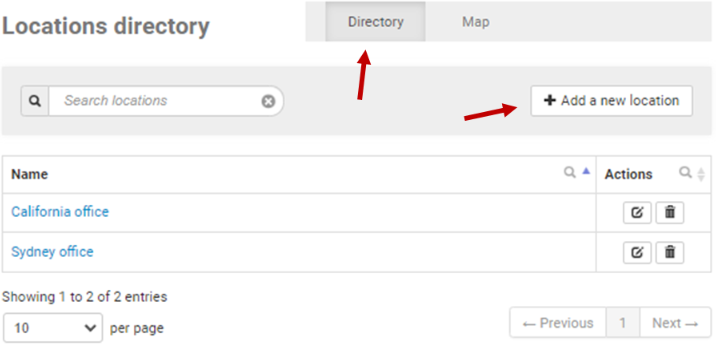
With the “Directory” view selected, click the “Add a new location” option in the top right of the screen
-
From here
-
Give your new location a name, e.g. “London Offices”
-
Use your mouse to scroll across the map, clicking on the spot where your new location is situated – you don’t have to be precise here
-
Click “Save location” when you’re ready
-
View Location insights
-
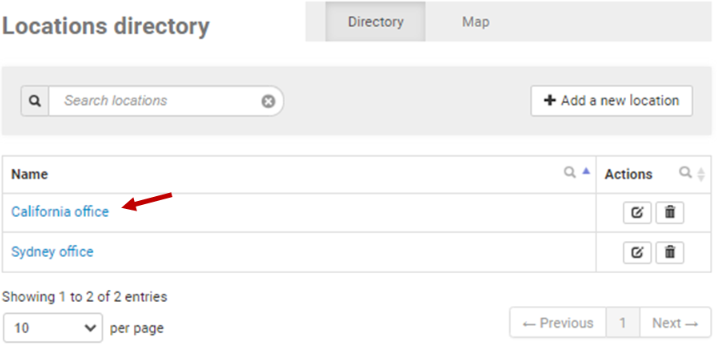
If you’ve assigned staff members to a location, you can view insights into how that group of staff members are performing by clicking onto a location link. This will open the summary page of that Location
Additional information
-
For assistance creating Locations or assigning Locations to People, you can reach out to the Skills Base team via this link.